Windows starts slower
Opening everything at once right after switching on can slow Windows down, and sometimes freeze it.
Free · Open source · Windows 10 and 11
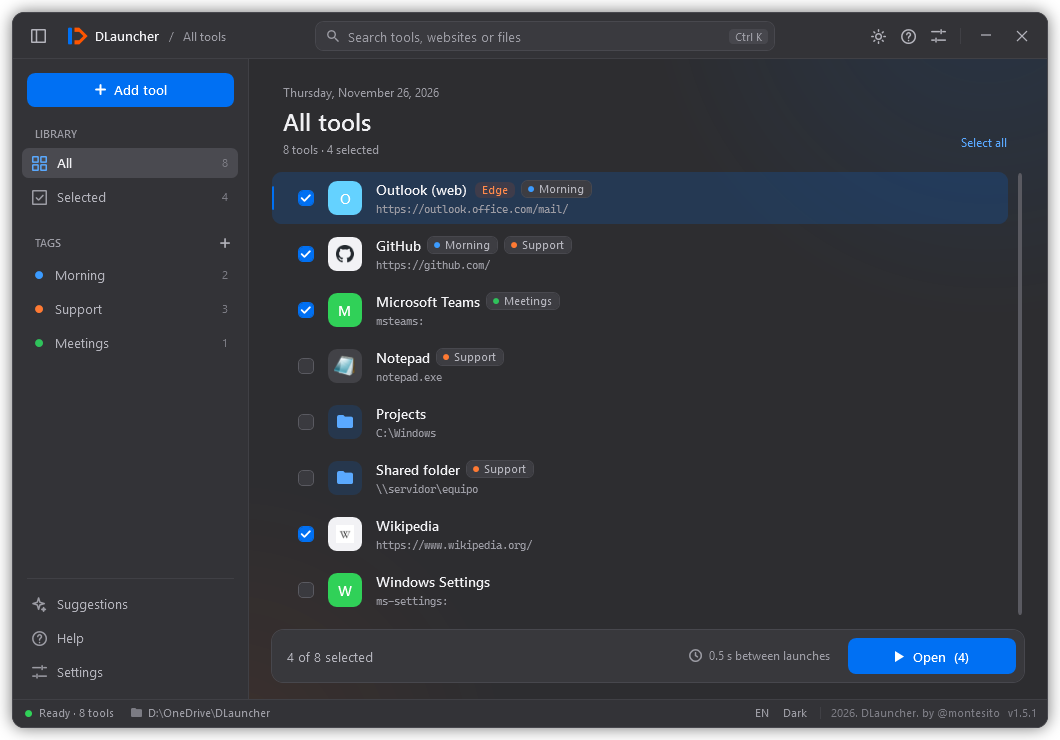
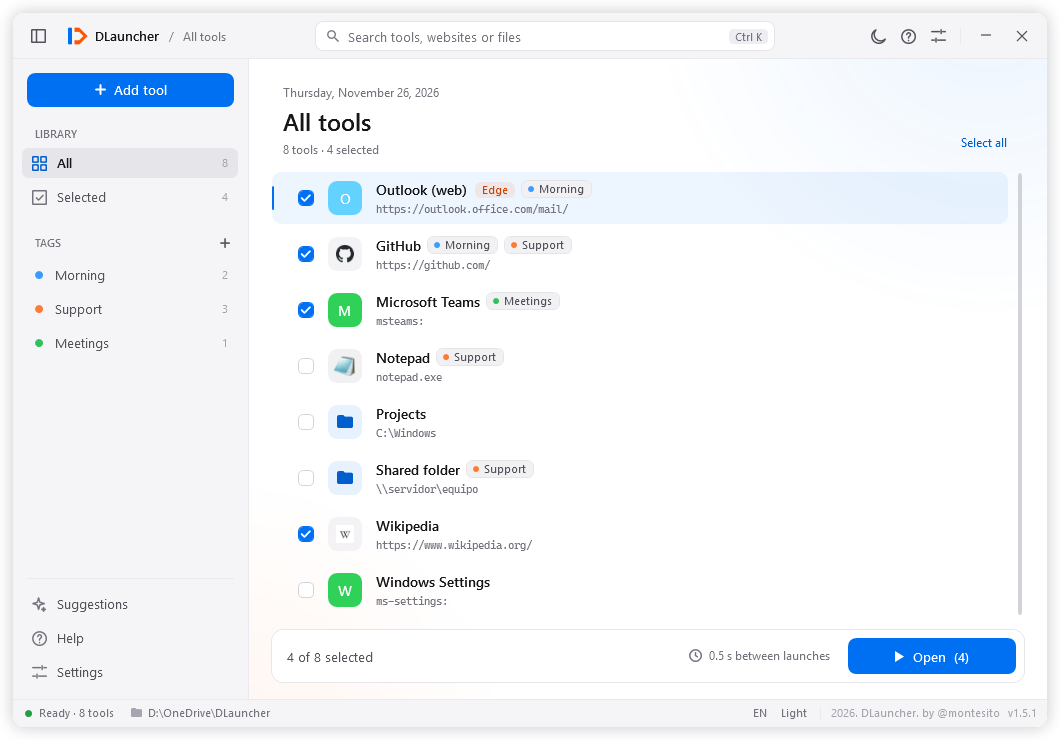
Email, Teams, the company portal, a shared folder, a couple of internal tools… DLauncher keeps them in one tidy list. Tick what you need today and press Open.
Why DLauncher
You could, but it has downsides. DLauncher does the opposite: you decide what opens and when, with one click.
Opening everything at once right after switching on can slow Windows down, and sometimes freeze it.
One day is support, another is meetings, another a specific project. Startup apps always open everything.
They are hard to set to open at startup. DLauncher opens websites, apps, files and folders alike.
Launches are spaced out with a short pause (half a second by default, you choose it) so your PC is not overloaded.
How it works
Paste a web address, or choose an app, a file or a folder. Or drag them onto the window, or pick from the suggestions.
Group your tools with tags and drag the rows into the order you like.
Tick what you need and press Open. They open one after another. Tomorrow, DLauncher remembers what you ticked.
Your workspace, always ready
Over time, DLauncher becomes the one place that brings together the tools, platforms and apps you need for your job, instead of scattering them across bookmarks, desktop shortcuts and memory.
Across PCs and teams
Your list is one file, in a folder you choose. Put that folder on a drive your PCs share, and DLauncher loads the same tools on your office PC, your virtual desktop or your laptop.
DLauncher stores no passwords, only the names and addresses of your tools.
A closer look
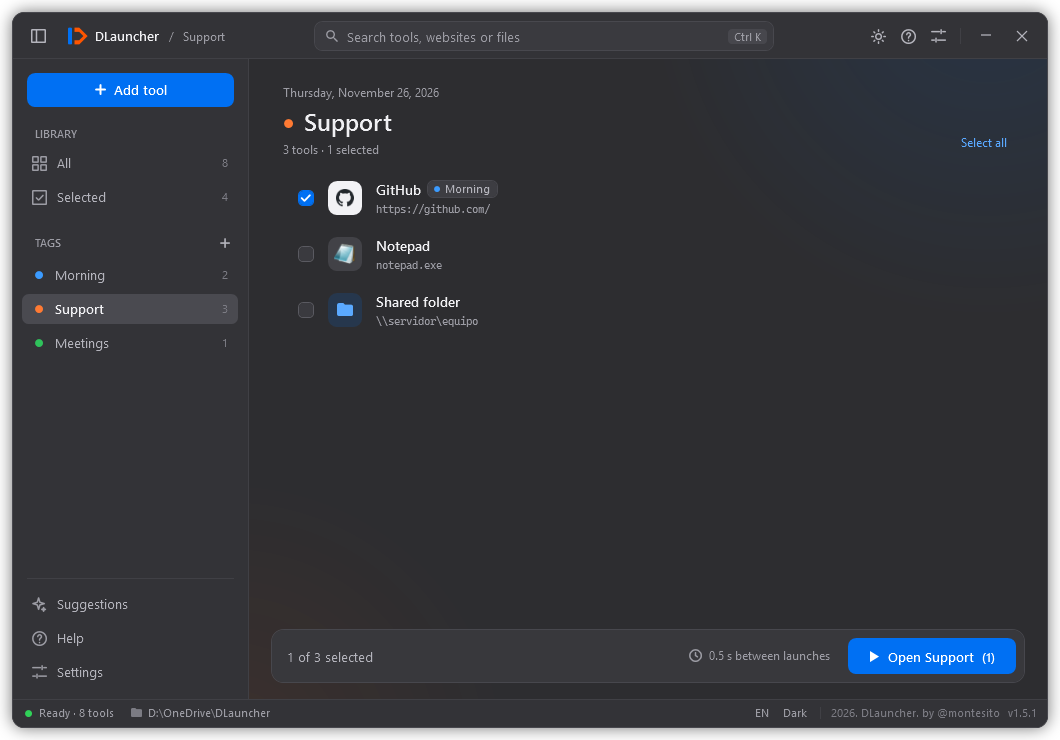
Group your tools and open a whole group with one click.
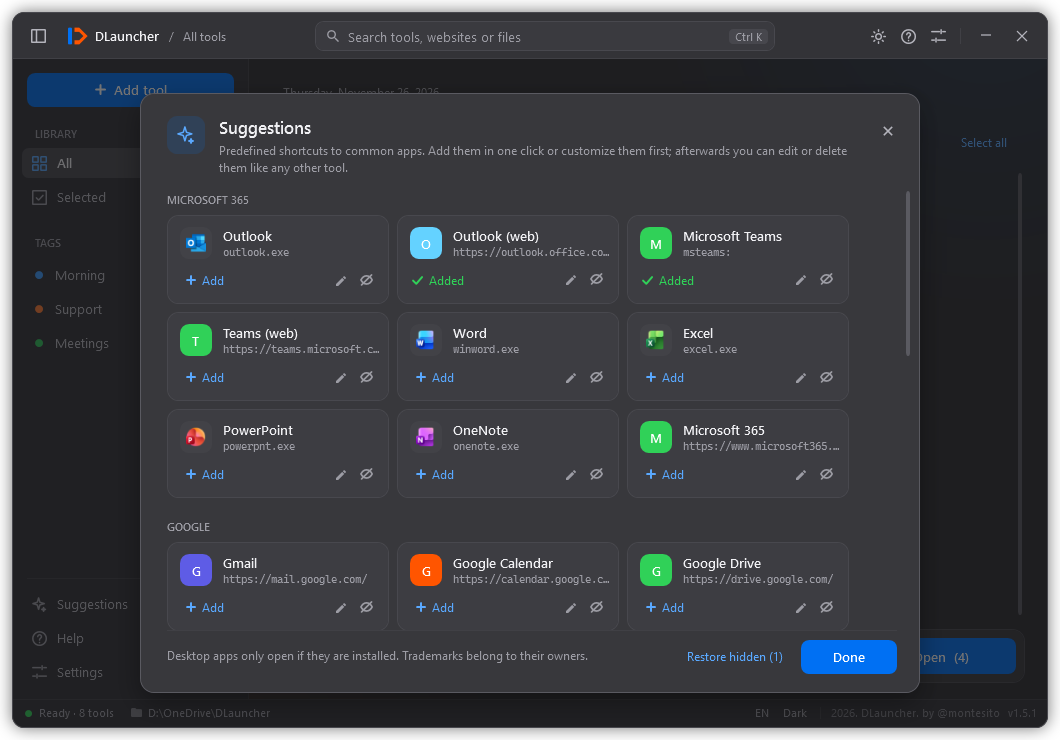
Add common apps in one click (Outlook, Teams, Gmail, Slack and more), then change or remove them like any other tool.
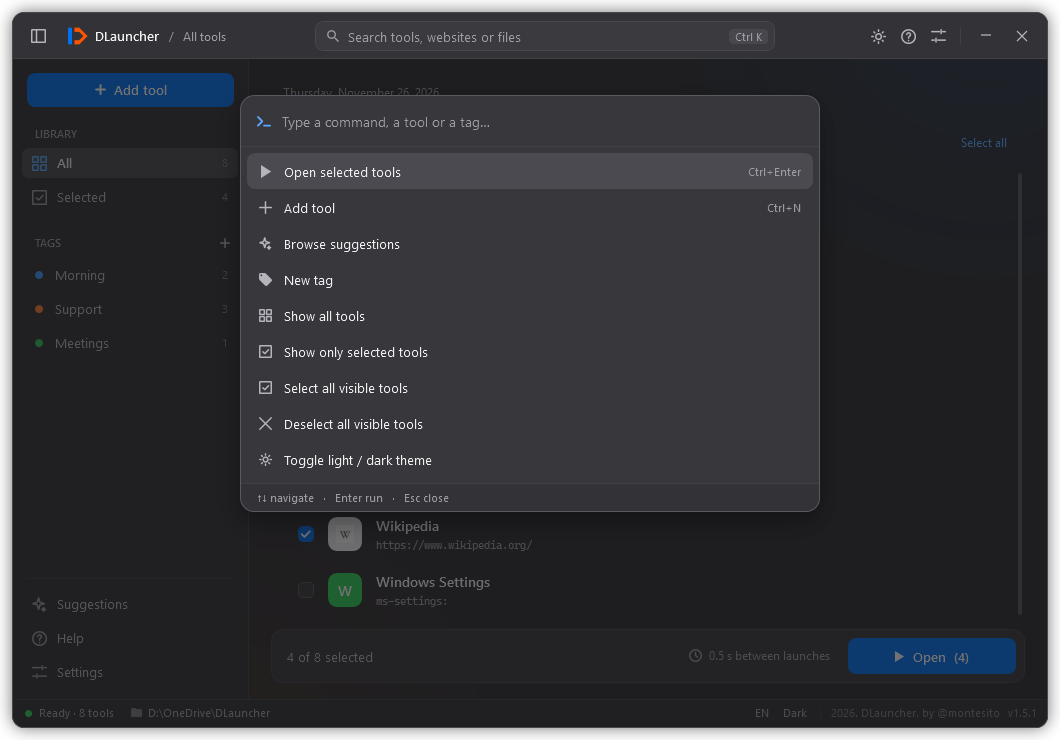
Press Ctrl+K to find any tool or action instantly.
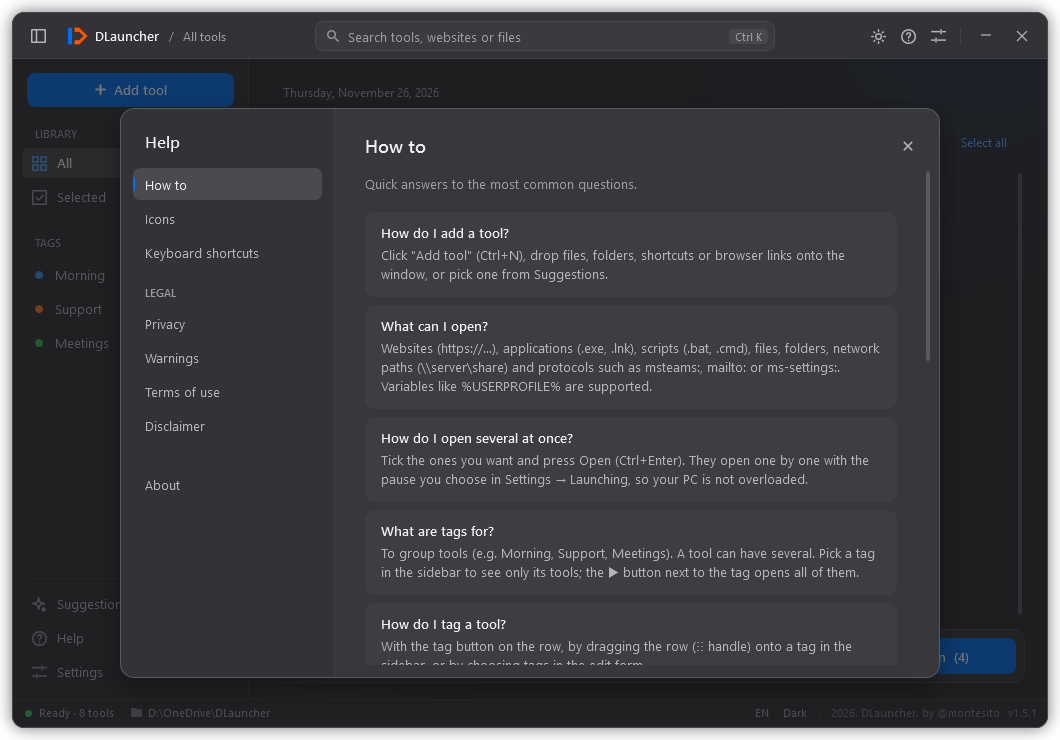
Quick answers, an icon guide, shortcuts, privacy and terms, inside the app.
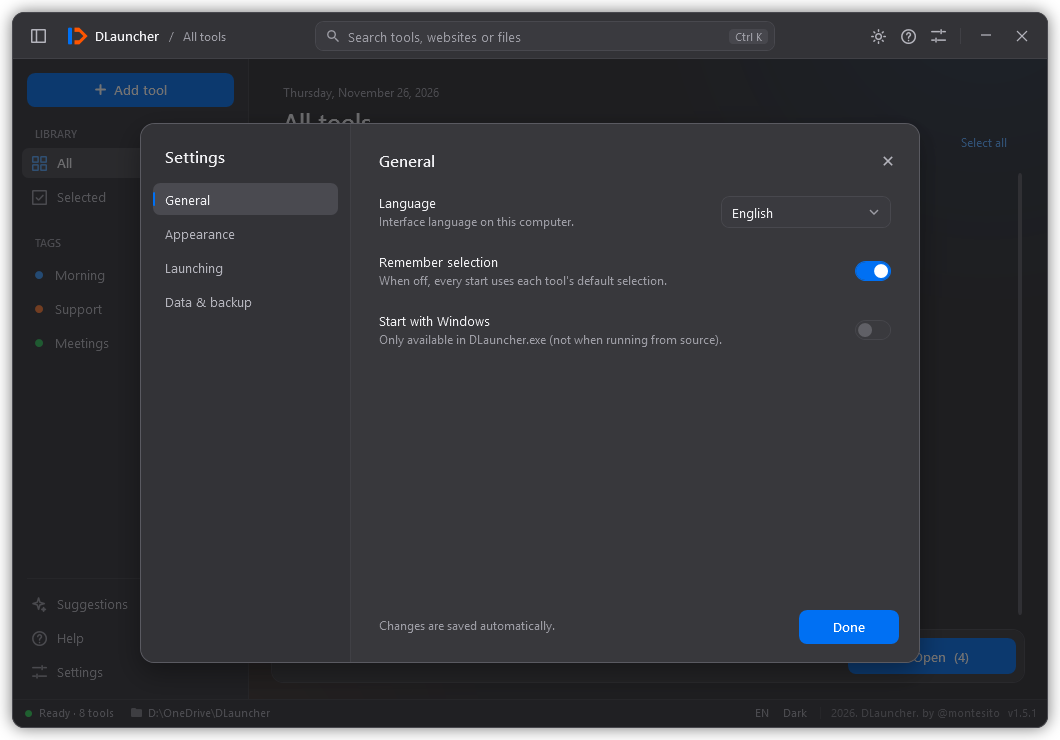
Language, theme, pause between launches, start with Windows, backups and more. Changes are saved instantly.
Dark and light theme, in English and Spanish. It remembers its window size and position on each PC.
Safe and native
DLauncher is built with PowerShell, .NET Framework and WPF, the same technology behind many of Windows’ own tools. That is why it runs on any Windows 10 or 11 PC without installing anything else.
No drivers, no background services, no registry changes, no admin rights.
Your list and its preferences. It never touches your documents or other programs.
The full source code is public. For your peace of mind, scan it with your antivirus too: good practice with any download.
Download
DLauncher.exe, straight from its open-source repository.
Edge or Chrome may say the file “isn’t commonly downloaded”. Open the warning’s menu (⋯) and choose Keep.
Because the file is not signed: Show more → Keep anyway.
Windows may show “Windows protected your PC”: More info → Run anyway. Only the first time.
Put the .exe wherever you like: your desktop, Documents, a network folder or a USB drive. On first start you choose the language, the theme and the folder for your list.
Open source
DLauncher is shared freely and openly: anyone can use it, check how it works and help make it better.

Download DLauncher, add your tools once, and open your workday with one click.